Typing practice
Fun, repeatable keyboard practice on a physical keyboard. Font Quest isn’t a structured typing curriculum — think of it as the kind of practice kids actually come back to, not your kid’s main typing teacher.
A desktop game that teaches typing and reading through the world of fonts.
$14.99 once. No subscription.
Six modes, one mascot, and a keyboard. No narration, no pitch — just the game running.
Six modes, all built around one idea: letters are interesting once you really look at them.
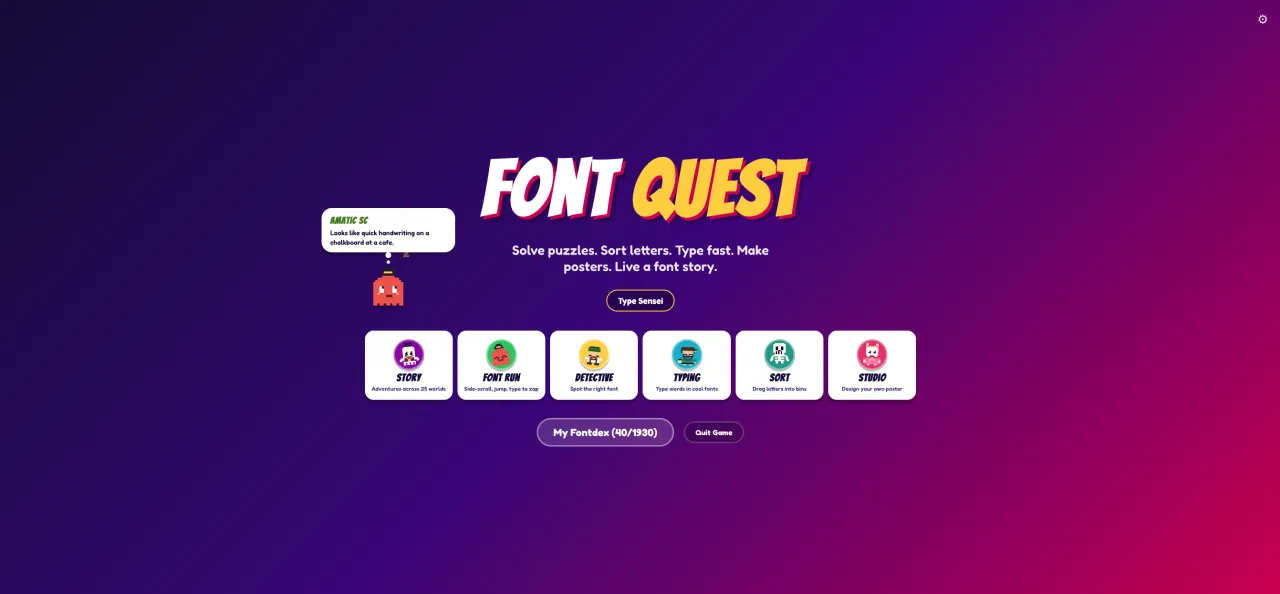
One menu, six modes — Story, FontRun, Detective, Typing, Sort, and the Poster Studio.
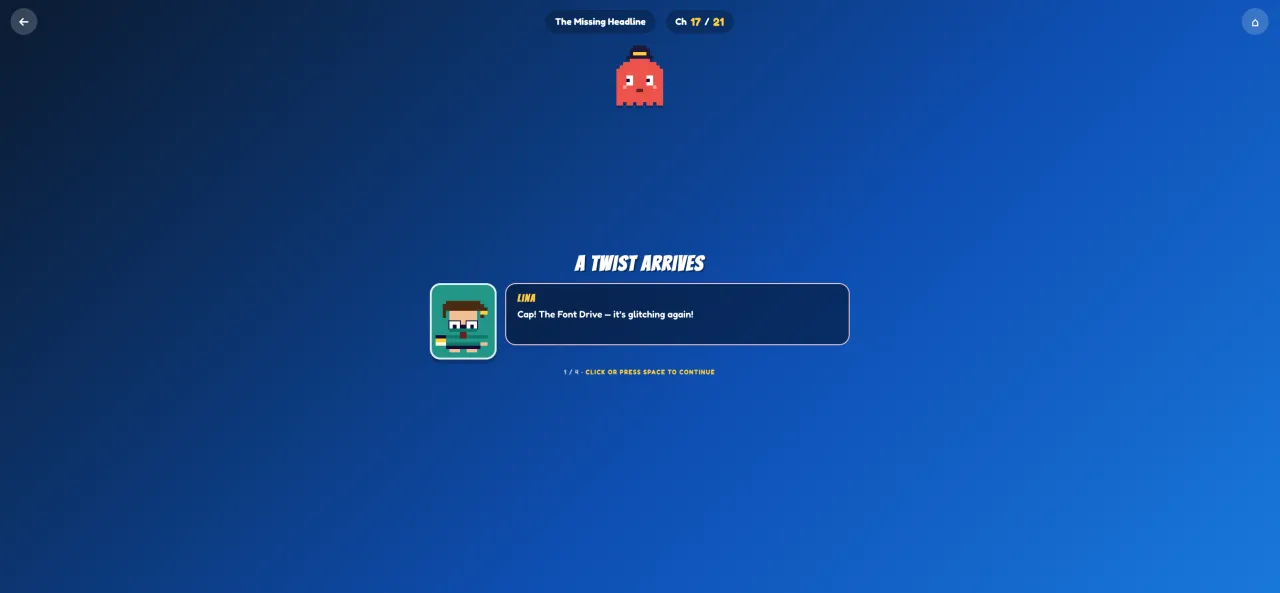
Short illustrated chapters where each character speaks in their own typeface — early-reader friendly, never preachy.
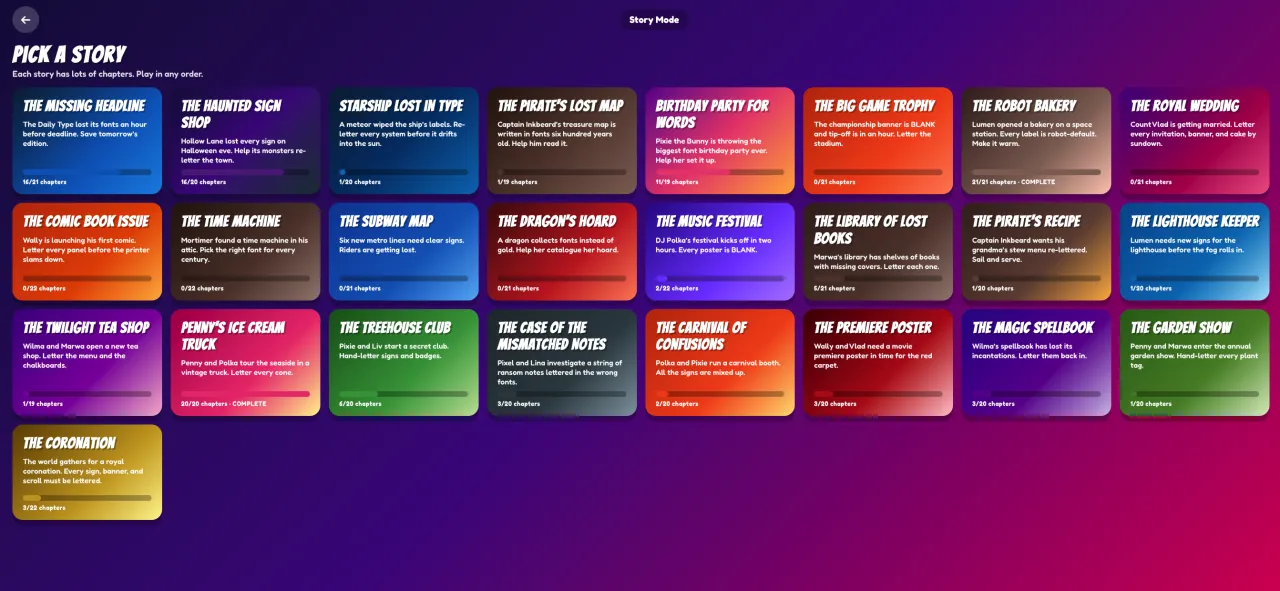
A growing shelf of original mini-stories — every one written so first- and second-graders can follow along.
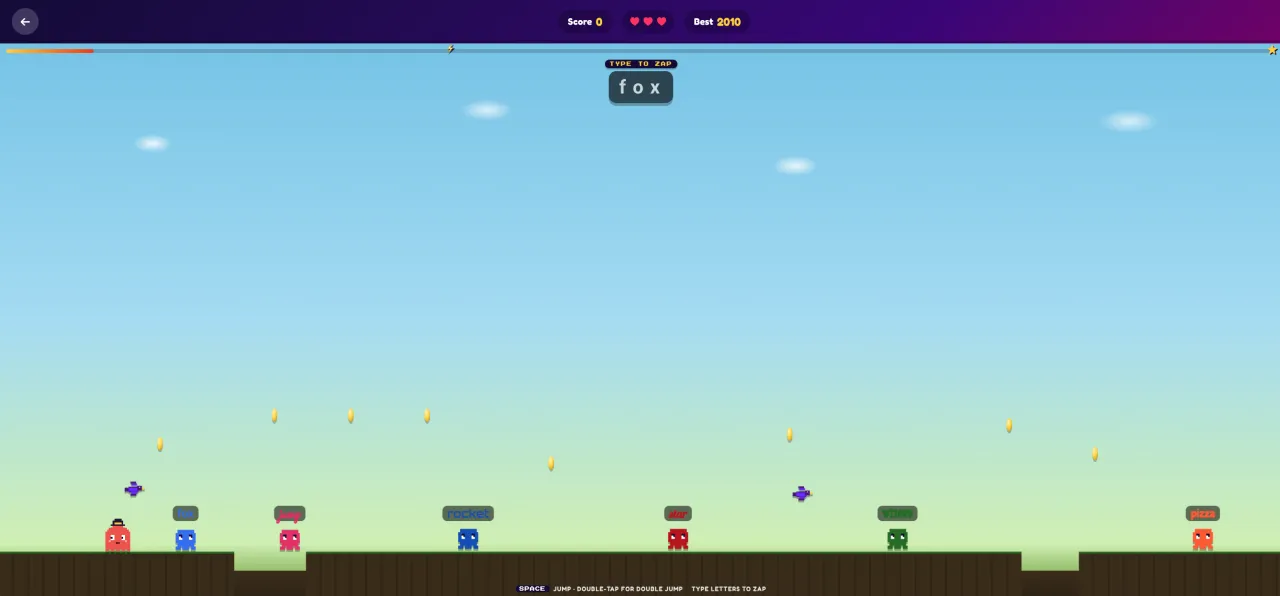
A side-scroller where letters become the controls. Spell the word on screen to clear the gap.
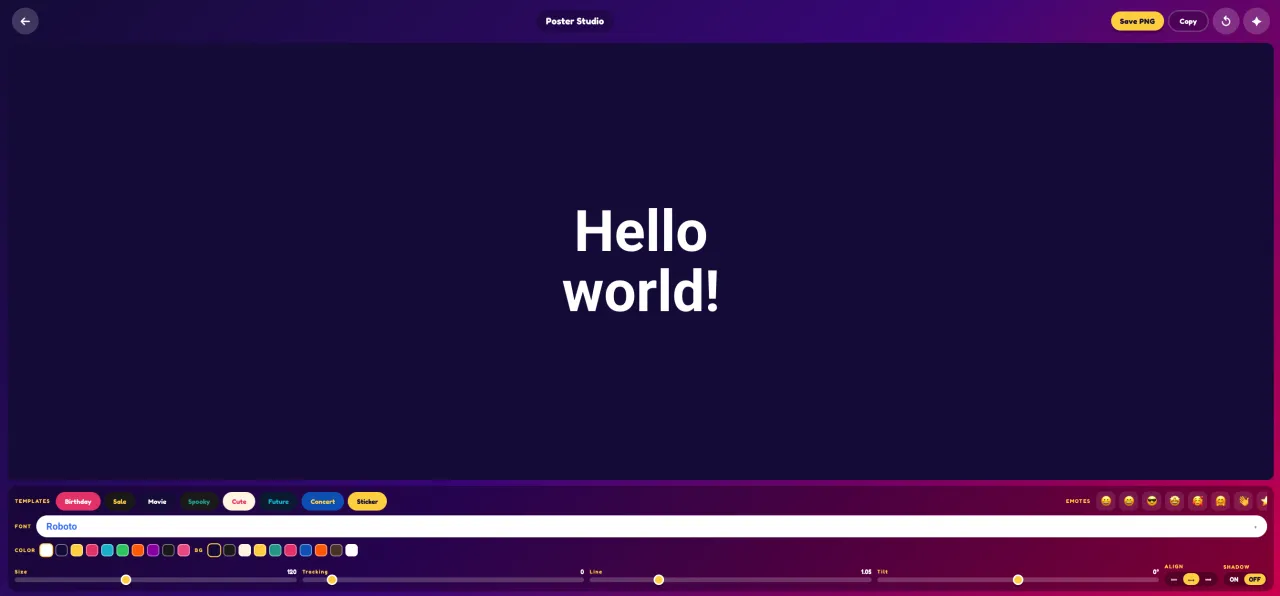
Pick a font, tune size, tracking, line height, and colour, then save the result as a PNG you can stick on the fridge.
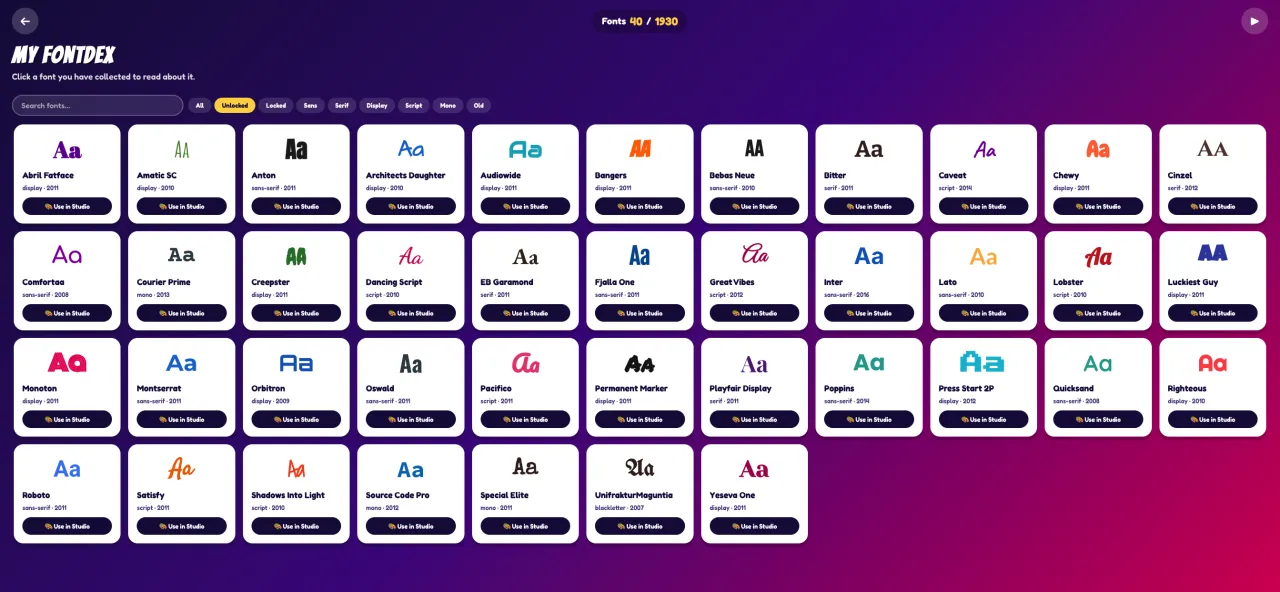
1,900+ typefaces from Google Fonts. Each one your kid sees joins the Fontdex with its designer, year, and a fun fact.
Font Quest is a desktop game where kids practice typing on a real keyboard — not a touchscreen — while reading short illustrated stories, racing through words, sorting fonts by feel, and designing posters they can print.
Every font they meet joins their Fontdex: a collection drawn from all 1,900+ typefaces of Google Fonts, each with its designer, its year, and a fun fact. By the end they’ve practiced typing, read more fluently, and noticed something most adults never do — every letter on every screen was designed by someone.
And for the kids who already love letters, this is the game nobody has made for them. The only typography game ever released came out in 2013 and was aimed at adults.
Three things, woven into play. The games — Detective, Sort, Story, Poster, FontRun, Typing — each cover a different facet without ever feeling like school.
Fun, repeatable keyboard practice on a physical keyboard. Font Quest isn’t a structured typing curriculum — think of it as the kind of practice kids actually come back to, not your kid’s main typing teacher.
Short illustrated stories, paced for early readers, with characters whose dialogue appears in different fonts so kids learn to read across visual variation.
Recognizing serif vs. sans-serif, fancy vs. plain, friendly vs. formal. The skill behind every great designer, magazine, and movie poster.
No account. No telemetry. No servers of ours to talk to. Unplug the wifi and play. That isn’t a policy we’re asking you to trust — it’s how the thing is built, and you can check it in thirty seconds.
The one exception is documented, not hidden: the font catalogue loads from Google Fonts — and we don’t see those requests either. Details in the privacy policy.
The kids’ software market is mostly subscriptions and ad-driven attention traps. Font Quest is the opposite of that on purpose.
Nothing to sign up for. Nothing to remember. The game never asks. A nobelgames.io login exists only if you want to re-download your copy later.
Not between levels, not on the menu, not anywhere.
One purchase. It doesn't renew because there's nothing to renew.
We don’t run a server. There is nothing for the game to phone home to. Run Little Snitch and check. (Fonts load on demand from Google Fonts, like most modern websites — Nobel Games sees nothing.)
Built for desktops, where real typing actually gets learned.
Most kids’ learning apps are subscriptions that renew every month or every year. Font Quest is one purchase. It doesn’t replace what those subscriptions do, but if you’d rather not pay for kids’ software every month for the next decade, the math is friendlier.
| Product | Year 1 | Year 2 | Year 3 | 5 years total |
|---|---|---|---|---|
| Font QuestOne purchase | $14.99 | $0 | $0 | $14.99 |
| ABCmouse (annual) | $45 | $59.99 | $59.99 | $284.96 |
| TypingClub Premium | ~$102 | ~$102 | ~$102 | ~$510 |
| Typesy VIP (monthly) | ~$108 | ~$108 | ~$108 | ~$540 |
Year 1 is shown at the $14.99 regular price for a fair full-price comparison. During launch (first 30 days), Font Quest is $9.99 — even friendlier.
Font Quest doesn’t replace what those subscriptions do — they cover a much wider curriculum. But if you’d rather not pay for kids’ software every month for the next decade, the math is friendlier.
Instant download · Secure checkout by Paddle · 30-day refund
Ages 5–11, roughly. Younger kids will play the easier modes (Sort, Story) with help; older kids will chase the full Fontdex.
Mostly. About 50 fonts come pre-bundled and work without internet. The full 1,900+ catalog comes from Google Fonts and needs an internet connection the first time each font is shown (your computer then caches them for offline use). Game progress, scores, and stories all work fully offline.
Not to play. The game never asks you to sign in and works with the wifi off. There is an optional account on this website — it exists so you can re-download your copy and find your invoice if you change computers. Nothing about your kid's play ever reaches it.
Both. (Linux build available on request.)
Not currently — but we offer a 30-day refund, no questions asked, if it isn’t a fit.
Yes. One purchase covers your household.
Not soon. Typing is the core skill, and physical keyboards are how kids actually learn it.
Save files live on the computer. We can help you restore from a backup, but we never see them ourselves.
Really. No accounts, no analytics, no telemetry, no ads, no servers of our own. The one online interaction is loading fonts from Google Fonts — the same way most modern websites do. We don’t see those requests. See the full privacy policy.